

What it is
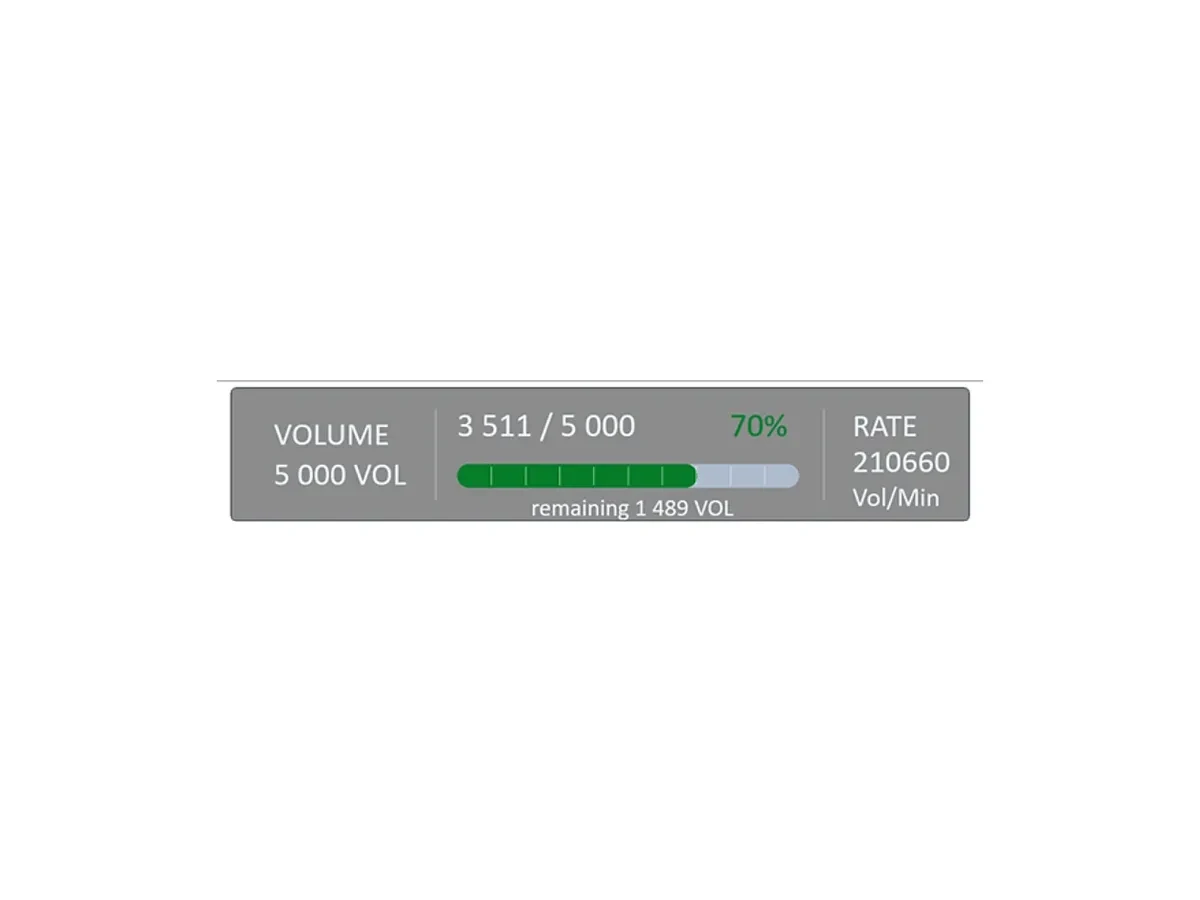
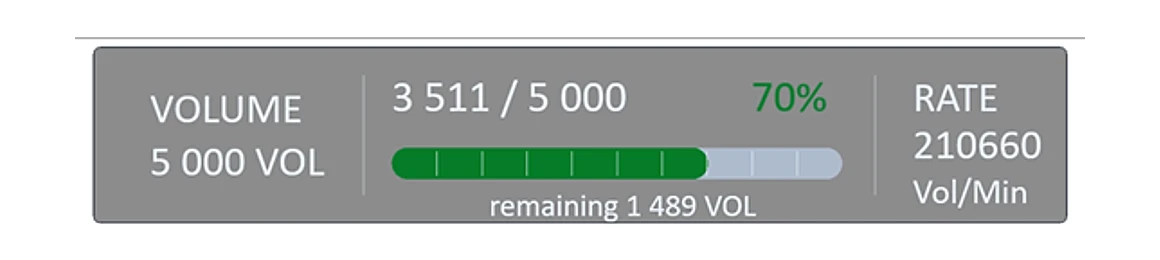
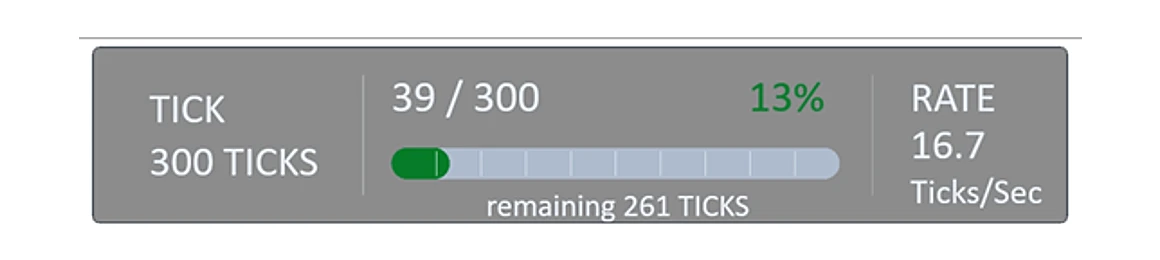
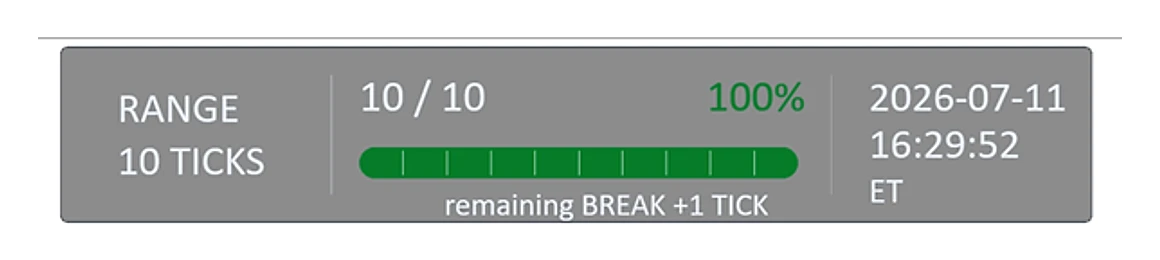
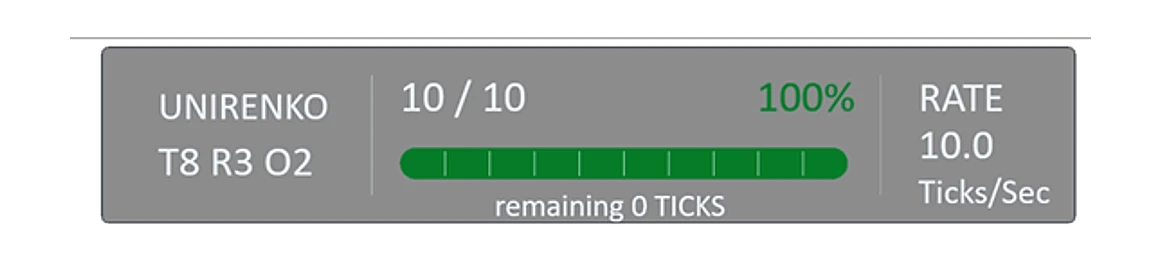
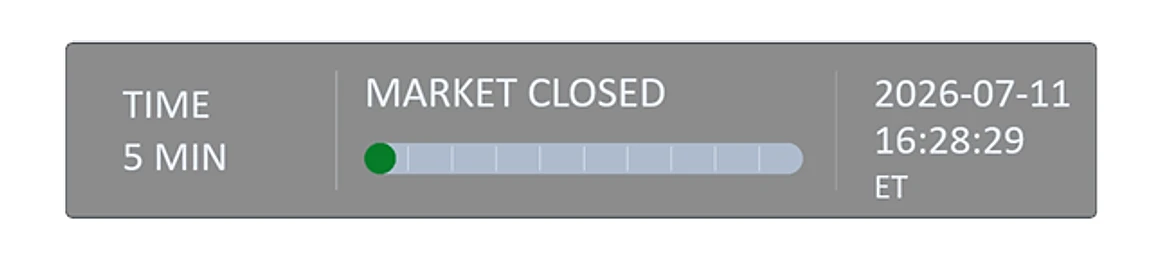
ScreenTimer4Trade is a compact on-chart panel that tells you exactly where the current bar stands and what your chart is doing — without cluttering the workspace.
For whom
Traders who time entries and exits to bar completion, on any NinjaTrader 8 chart type — not just time-based charts.
Key features
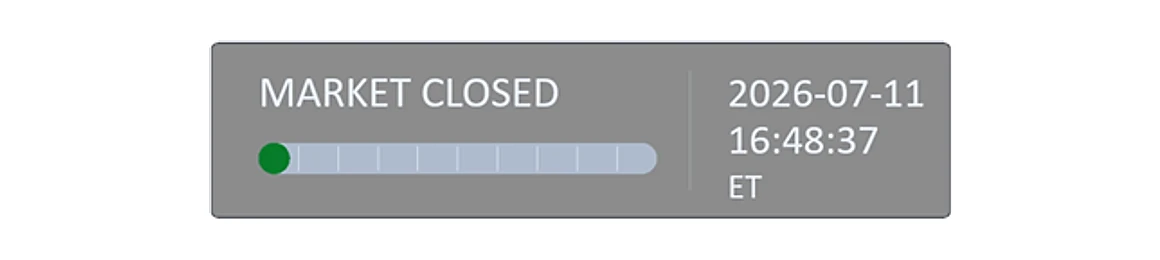
- Three-part display: center — a timer of elapsed or remaining time to bar completion, plus % to close; left — the chart type / timeframe; right — a clock (or clock + date) or candle info.
- Independent side panels — the left and right panels can be turned on/off independently of each other.
- Flexible placement — choose one of three anchor positions along the top of the chart, or a single position at the bottom; fine-tune with a horizontal offset of ± N pixels from the chosen anchor.
- Works on many bar types — Time, Tick, Volume, Range, Renko, UniRenko, Momentum (not only time-based charts).
- 18 common time zones or local time.
- Market Replay aware — the countdown speeds up and slows down together with your Replay speed.
- Status awareness — informs you about missing chart data, lost connection, or non-trading hours (market closed).
Requirements
- NinjaTrader 8. Works on any supported chart type.
What’s included
- ScreenTimer4Trade indicator file (.zip import for NT8).
- Installation and setup instructions.
- Free updates within the current product logic. (Future versions with fundamentally new or more advanced logic may be sold separately.)
- Support.
Licensing
- Lifetime license, no subscription. Pay once.
- Up to 2 machines per license (bound to your NT8 Machine ID). Activate under My Account → Machine ID.
FAQ
Which chart types are supported? Time, Tick, Volume, Range, Renko, UniRenko and Momentum charts.
Does it work in Market Replay? Yes. The countdown tracks your Replay speed, speeding up and slowing down with it.
Can I hide the side panels? Yes. The left and right panels toggle on/off independently, so you can show only what you need.
How do I set the time zone? Pick from 18 common time zones or use local time.
How do I activate? Enter your NT8 Machine ID under My Account.